

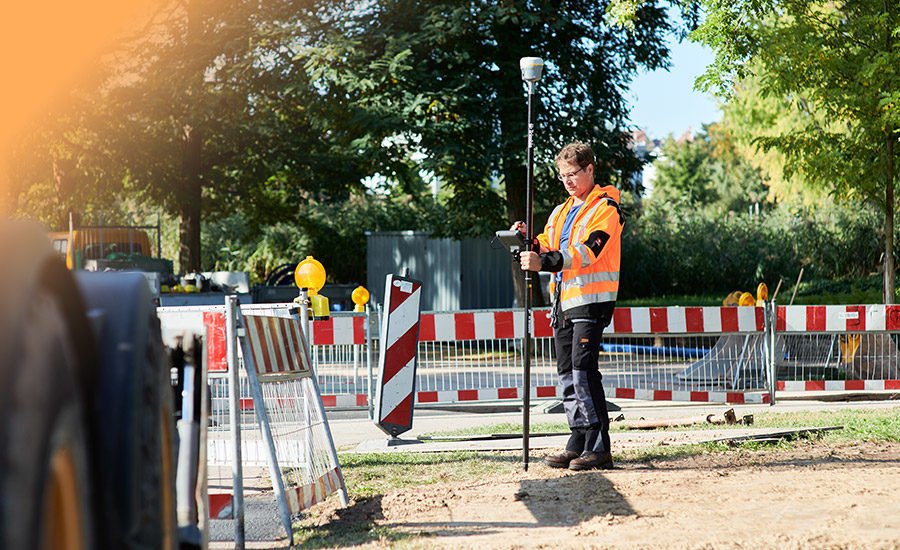

GIS (Geographic Information System) plays a crucial role in asset life cycle management for several reasons. GIS enables organizations to manage spatial data associated with assets. Integrating spatial data into asset management systems helps organizations gain better insight into the geographic context of their assets. GIS also enables real-time tracking and tracing of assets throughout their life cycle. This includes viewing resource locations, status, and performance metrics. This supports more efficient asset management, maintenance scheduling and resource allocation.
For all these reasons and more, one of the most important aspects of GIS supporting the asset lifecycle is simply better decision making. GIS provides decision support tools for asset planning, design and optimization. By visualizing asset data in spatial contexts, users can consider multiple scenarios and make informed decisions to improve asset performance and lifecycle outcomes.
Understanding why this is important obviously sets the stage for what the desirable outcomes should be. The important question now is what people and organizations must do to achieve these results. Also understand what stands in the way and how you can overcome any challenge.
The first is field data acquisition. GIS data is not only automatically mapped to all assets in the field and cannot be considered from design intent because changes occur in the field. So what have people done to support these efforts?
During the recent e-Merge conference organized by Infotech, there was a panel that included cities from St. Louis, MO and Muscatine, IA where these topics were discussed. The title of the session was Exploring GIS-Enabled Construction Inspection with the City of St. Louis and the City of Muscatine, so it’s very relevant to this topic.
How can an agency increase the volume and accuracy of geolocated asset data?
Leveraging technologies like the new GeoBridge application created by Seiler Geospatial that connects Infotech’s Appia construction management solution with Esri’s field data collection system Field Maps is a great place to start!
Matt Poirot, chief construction engineer for the City of St. John’s Public Utilities Board. Louis says: “It’s about being able to get more out of our employee base. Being able to have water, water crew operators, distribution operators who are able to collect the information. Because we’re not going back to a job they’ve already been to, our workers can collect the information with minimal training and we have their commitment.”
People collecting field data using field maps (from the group assigned with minimal training available) do not need knowledge of Appia. They collect the data using the tools and methods they were taught. GeoBridge does the rest. Automatically create the daily work report for the appropriate Appia project specific inspectors. From this point on it is managed like any other Appia project by trained staff.
Providing tools that give inspection capability in addition to your staff is an important step. So what happens to that data once it’s been collected and organized?
“We manage the construction projects, but we don’t really maintain the assets. We have a streets department, we have the traffic division, we have the water department, you know, MSD takes care of our sewers. So basically we are managing the project and handing it over to other departments for maintenance. So to be able to send them all that data and let them put it right on their maps would be really helpful,” says Poirot.
Mark Yerington, manager, Utility Solutions, Muscatine Power and Water, City of Muscatine, Iowa, agreed with the way St Louis approaches collecting field data and moving data from the field into the office and into the system of asset management. Yerington said, “You know, all these utility things, all your assets, you have to do specific maintenance on them. And with field maps and dashboards and things like that, we can track” .
How will people evolve and adapt to new technologies and changing workflows?
